Compliance-ready Data Backup
Meet compliance and reduce risk with enterprise DevOps backup, data sovereignty and enforced security


Meet compliance and reduce risk with enterprise DevOps backup, data sovereignty and enforced security

What does my SaaS platform’s native backup actually cover?

Where and how backup data is stored is one of the key considerations.

Companies need clear policies to store, access, and recover data for mandated periods.



An independent internal controls audit capturing how a company safeguards customer data and how well those controls are operating.

The international security standard used to benchmark the protection of sensitive data. It encompasses the security of organizational policies, personnel, physical and environmental aspects, systems and network, as well as business continuity.

An EU directive that strengthens and standardizes top security measures for organizations operating across the EU or dealing with EU-based partners.

A European regulation specifically targeting the financial sector. Its main goal is to provide standards for the ICT security measures ensuring financial entities stay resilient in case of digital disruptions.

SOC 3 is a report evaluating an organization’s controls related to data security, availability, processing integrity, and confidentiality. It’s a public-facing proof of maintaining best-in-class standards.

HIPAA refers to a series of regulatory standards that outline lawful use and disclosure of protected health information (PHI).
FISMA (Federal Information Security Modernization Act) is a federal law mandating U.S. government agencies and their contractors to follow a set of rules related to data security set by the National Institute of Standards and Technology (NIST).

NIST Cybersecurity Framework (CSF) is a voluntary standard guiding entities on how to better secure their critical data and systems. It provides a structured approach around six functions (Govern, Identify, Protect, Detect, Respond, Recover).
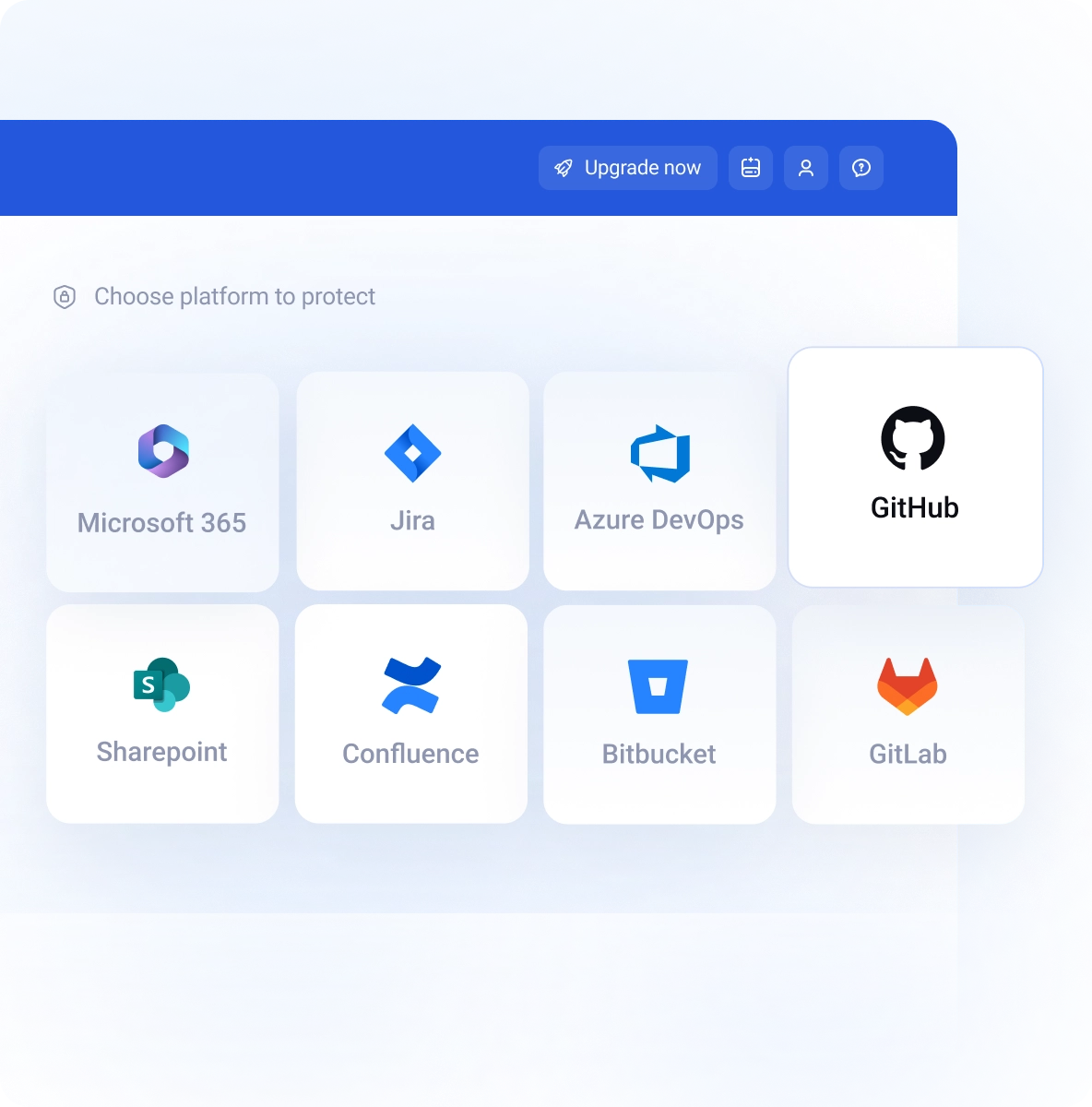
A strategy for compliance-ready data protection needs a holistic approach. This must span every critical location where intellectual property, configuration or customer data are stored.
Platforms like Jira, GitHub, Azure DevOps, GitLab, or Bitbucket offer strong security measures, but they rely on the Shared Responsibility Model for data protection. This approach holds users accountable for the data they store there.
Overlooking SaaS platforms in your backup strategy raises immediately a red flag.

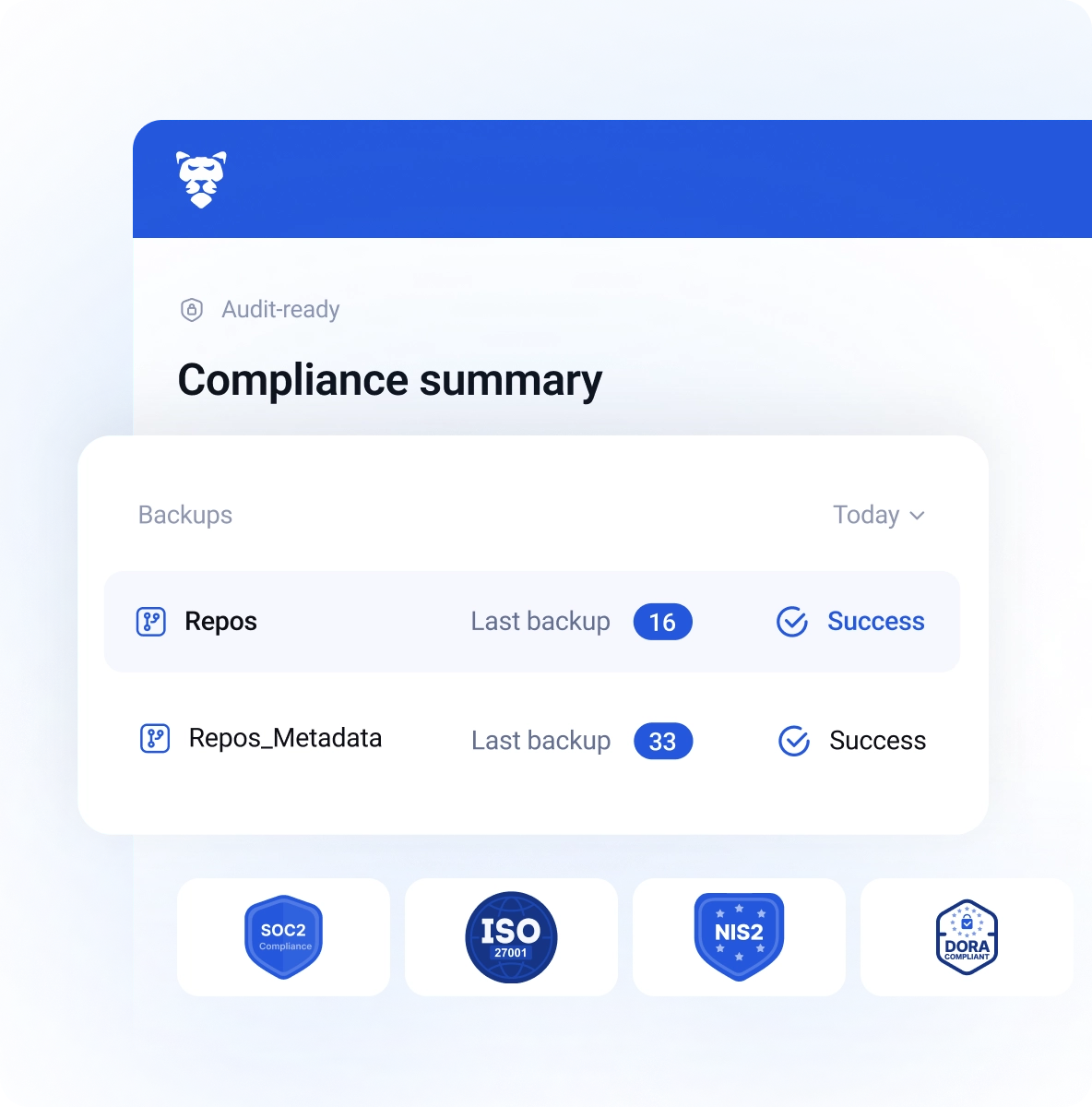

The key considerations when building a compliance-ready backup strategy. The solution of choice must be built around flexibility in the areas of data storage and rapid, granular recovery.

Your strongest defense against data modification, or deletion. Storage using a WORM (Write-Once-Read-Many) mechanism ensures backups are unchangeable.

This ensures end-to-end data protection. Best practices include AES-256 encryption for data both in transit and at rest, with RBAC (Role-Based Access Control).
GitProtect provides a robust backup solution for your DevOps stack and other SaaS platforms, including Jira, GitHub, Azure DevOps, Bitbucket, GitLab, and more.

GitProtect implements Zero Knowledge Encryption, where the encryption key and data are stored in different locations, making your backups impossible for unauthorized access. For additional safety, you can authenticate access with any external provider using SAML standard to meet procedure requirements.

With GitProtect, you can freely set data retention period, or even keep data infinitely if needed. Backup policies can include data replication, where data is first saved to the primary storage and subsequently transferred by the replication job to the secondary target.

Customers have a complete flexibility regarding the location of their data to meet any requirements. GitProtect includes unlimited cloud storage, but also supports custom storage, including public clouds, private clouds, and on-premise infrastructure.

Regarding the statistics, manual backups are usually six months old, leading to massive data loss when recovery is needed. A well-thought-out backup automation is your first line of defense against losing data, as the policy for backup frequency directly controls the acceptable Recovery Point Objective (RPO).

Ensure business continuity for your development teams and complete protection for your intellectual property. GitProtect includes Disaster Recovery capabilities for data stored in GitHub, Jira, Bitbucket, GitLab, and other SaaS platforms.

GitProtect gives you full flexibility regarding the level of recovery precision. Use granular recovery to precisely target and restore data following any disruption, ensuring coverage for all recovery scenarios.

Get an understanding of your backup condition at a glance thanks to audit-ready, one-click reports in PDF.


GitProtect includes an unlimited cloud storage for your backup data, while other public or private cloud providers, as well as client’s own on-premise storage are supported too.
Regarding geo, you can choose between data residency in the US, EU and Australia. For specific location needs, we can customize the solution according to your needs.
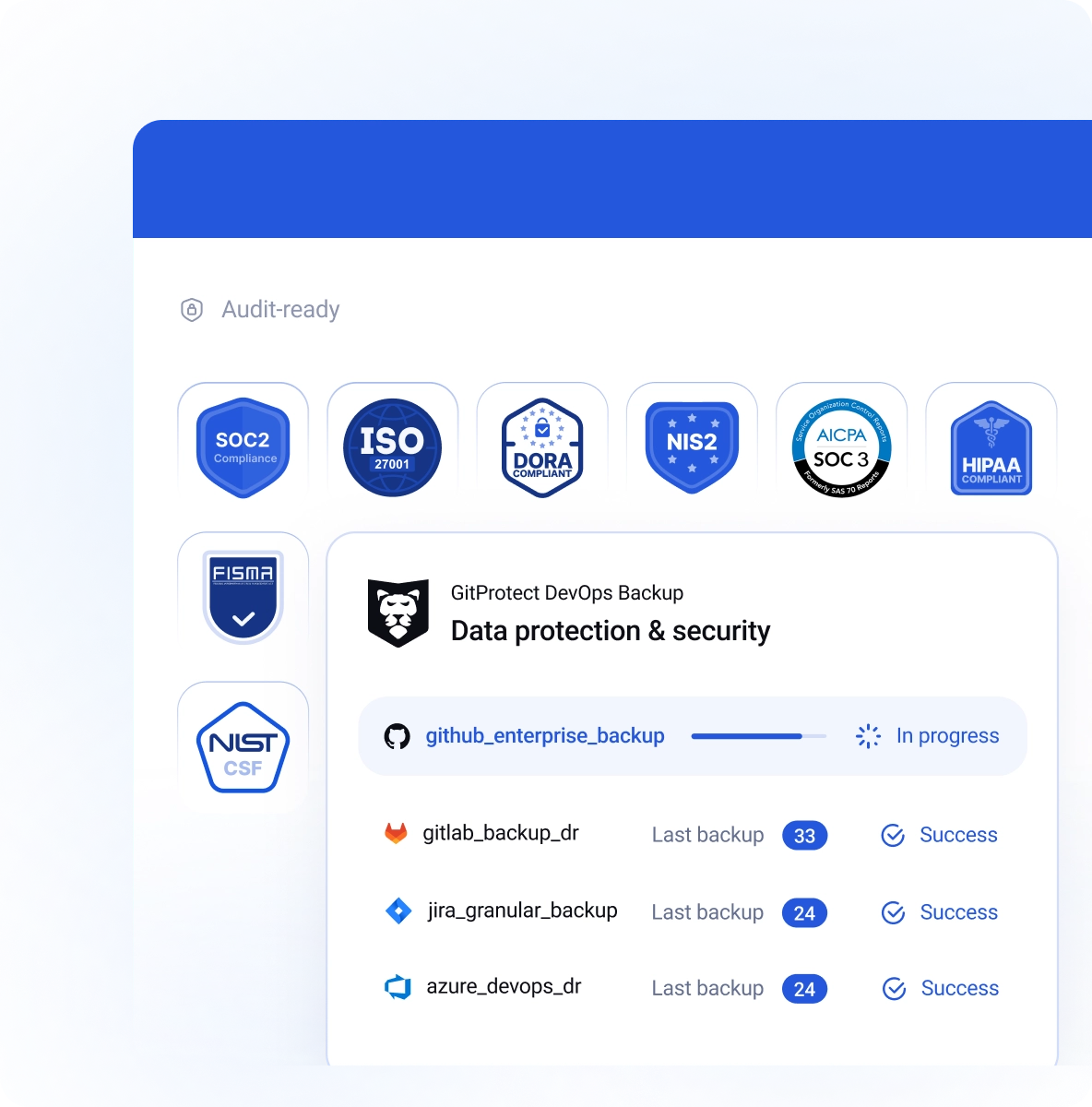

As a ISO27001 certificate vendor we follow a comprehensive framework to maintain and develop a secure Information Security Management System. We are prepared to react appropriately in the event of threats.

We have implemented appropriate security measures and controls in terms of data security, availability, processing integrity, confidentiality, and privacy. This underlines our commitment to supporting your compliance and certification requirements.

Using GitProtect’s cloud storage, your backup data is located in carefully selected, highly secure USA or EU-based data centers complying with top security guidelines, including ISO 27K1, SOC 2 Type II, EN 50600, HIPAA, FISMA and more.

See how GitProtect can help you protect your DevOps data
Book custom demoWith GitProtect, you can minimize manual health checks of your backup statuses and streamline audit preparation.
- Backup health indicators with targeted views
GitProtect surfaces SLA, recent backup and restore activity, and compliance-related visibility in one place, which helps teams assess protection status without stitching information together manually. Additionally, multiple level visibility helps review particular areas at the right level of detail.- Unified notification management
GitProtect delivers real-time, outcome-based notifications via email, Slack, or webhooks, ensuring teams see critical signals within their existing workflows. Automated daily summaries and SLA reports eliminate manual status checks, while making alerting transparent and audit-ready.- Automated SLA & Compliance Reporting
Technical backup data is available as exportable, audit-ready SLA reports that track protection coverage across custom time windows. By automating the delivery of performance summaries, the platform eliminates manual prep for audits and quarterly reviews. Tech teams and leadership have constant evidence of data freshness and long-term governance.GitProtect simplifies producing evidence and tracking accountability for backup and restore actions, streamlining audits and meeting compliance requirements.
- Detailed event logging and searchable archives
Comprehensive records of system events and task states provide the granular context needed to reconstruct incidents and ensure clear accountability. Fast filtering and automated archiving enable rapid investigations while maintaining long-term historical visibility without performance loss.- Compliance-oriented summaries
A unified view of coverage, encryption, and SLA status allows non-technical stakeholders to quickly verify that the backup program meets core governance expectations.- Audit-ready traceability
Exportable reports and detailed activity logs provide documented evidence of accountability, streamlining enterprise security reviews and formal audits.Access control is a critical component of data protection, directly impacting both security and regulatory compliance. GitProtect streamlines this process, ensuring your backup environment aligns strictly with established corporate identity policies.
- SAML 2.0 integration
GitProtect supports SAML-based identity integration bringing backup access under the same enterprise identity controls used elsewhere.- Role assignment for SSO users
SAML configuration supports predefined permissions and role assignment, which helps users land in the right access level by design.- Group mapping support
GitProtect's SAML group mapping helps apply consistent access policies to entire groups, instead of managing users one by one.- Centralized identity governance
Identity integration reduces reliance on separate local access administration to make onboarding and offboarding easier to govern.WORM stands for Write Once, Read Many. It is a data storage technology that ensures once a backup is written to the storage media, it cannot be modified, overwritten, or deleted until a pre-defined retention period has expired. In GitProtect, this is often implemented through S3 Object Lock or its own proprietary cloud storage. Unlike standard "read-only" settings that an admin could potentially toggle off, WORM is enforced at the storage level, making it physically and logically impossible to alter the data.
This technology is a cornerstone of modern ransomware protection. Because ransomware works by encrypting or deleting your data, WORM-compliant storage acts as an impenetrable vault. Even if an attacker gains access to your backup software, they cannot "kill" the backups because the storage provider itself will reject the deletion. This ensures you always have a clean, original copy of your GitHub or Jira data to restore from.
Read the full guide on WORM storage on GitProtect's blog.
AES-256 encryption provides the "unbreakable" layer for security models. It is the gold standard for data protection, used by banks and government agencies worldwide. With GitProtect, your data is encrypted both in-flight (as it moves from e.g. GitHub/Jira to the storage) and at-rest (while sitting in storage).
Using AES-256 with your own encryption key ensures that only you hold the "master key" to the data. Even if the storage provider or a third party were to access your files, the data would appear useless. This provides data privacy and ensures that your IP, such as the source code and project management data, remain confidential and protected.
Read about DevOps security best practices on GitProtect's blog.