ISO 27k & SOC 2 Type II certified

Confluence backup & restore: Safeguard your collaboration data

Use automated backup for Confluence Cloud to build a robust backup strategy, eliminate data loss, and minimize business disruptions from accidental deletions or malicious activity.

World’s only DevOps Backup & Disaster Recovery
nhs wharton zoop hema red california
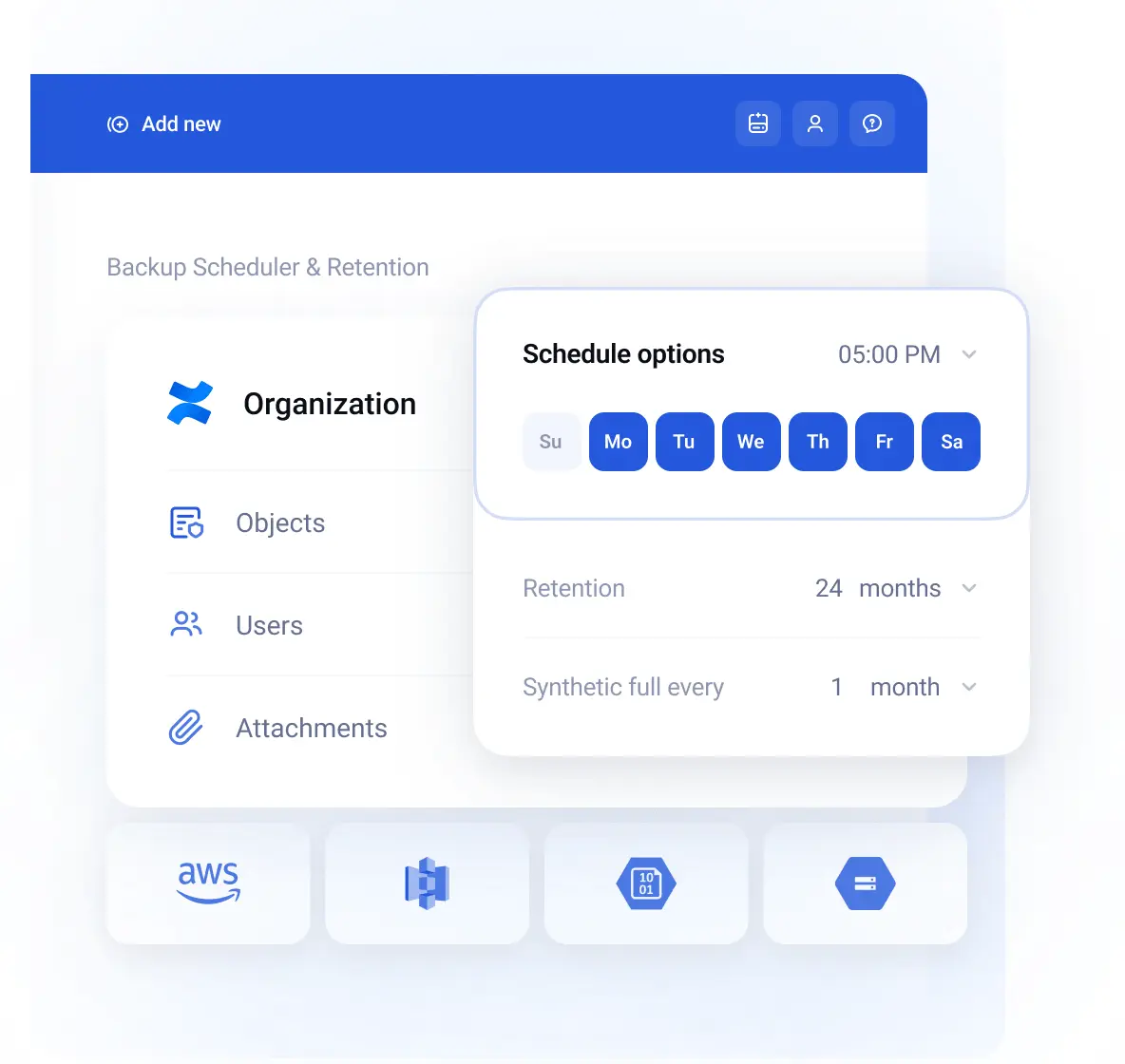
Confluence backups for uninterrupted team workflow

Confluence backups for uninterrupted team workflow

Address the limitations of Atlassian’s Shared Responsibility Model with GitProtect, an automated backup solution to help prevent any data loss incidents. Get enterprise-scale features, including scheduled & customizable granular backup & restore, AES-256 encryption, replication, access management, and more.

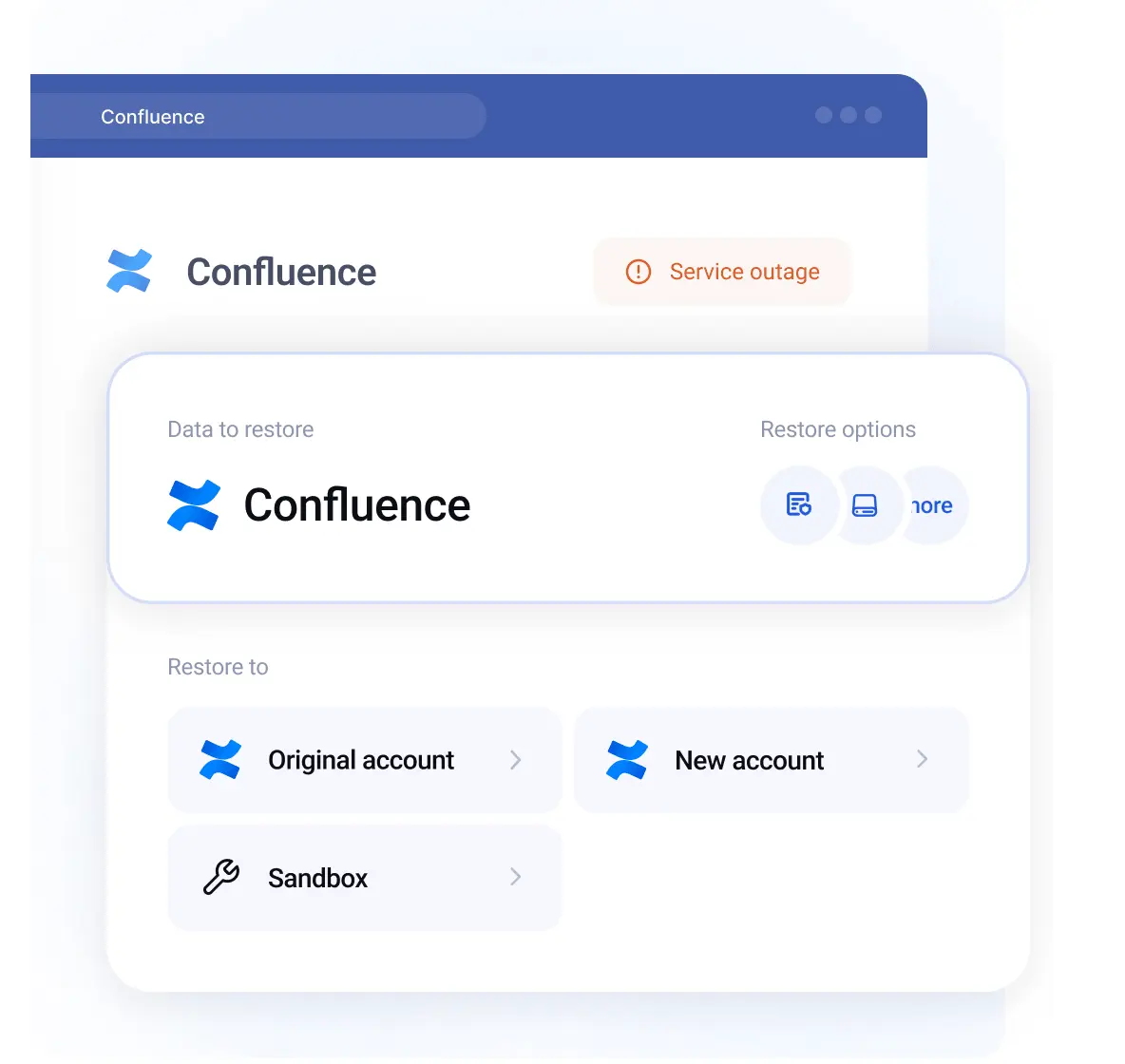
Confluence recovery options - get ready for any event of failure

Confluence recovery options - get ready for any event of failure

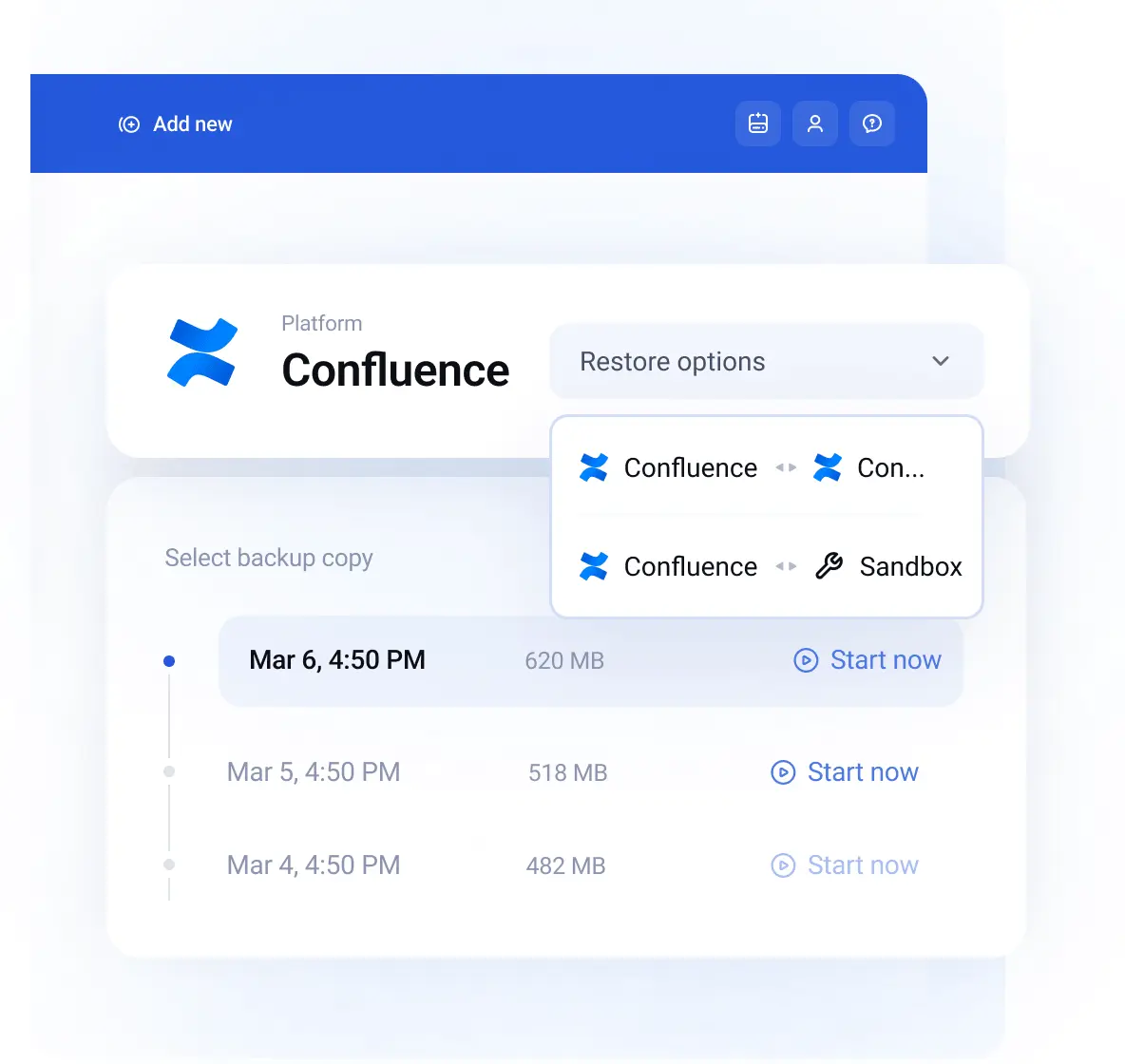
Minimize the risk of accidental deletion by human errors, malicious insider activity, or ransomware attacks. With every-scenario-ready restore mechanisms for Confluence Cloud, recover your collaboration data to the same or new account regardless of the scope and cause of disruption.

Ensure Confluence Security & Compliance

Ensure Confluence Security & Compliance

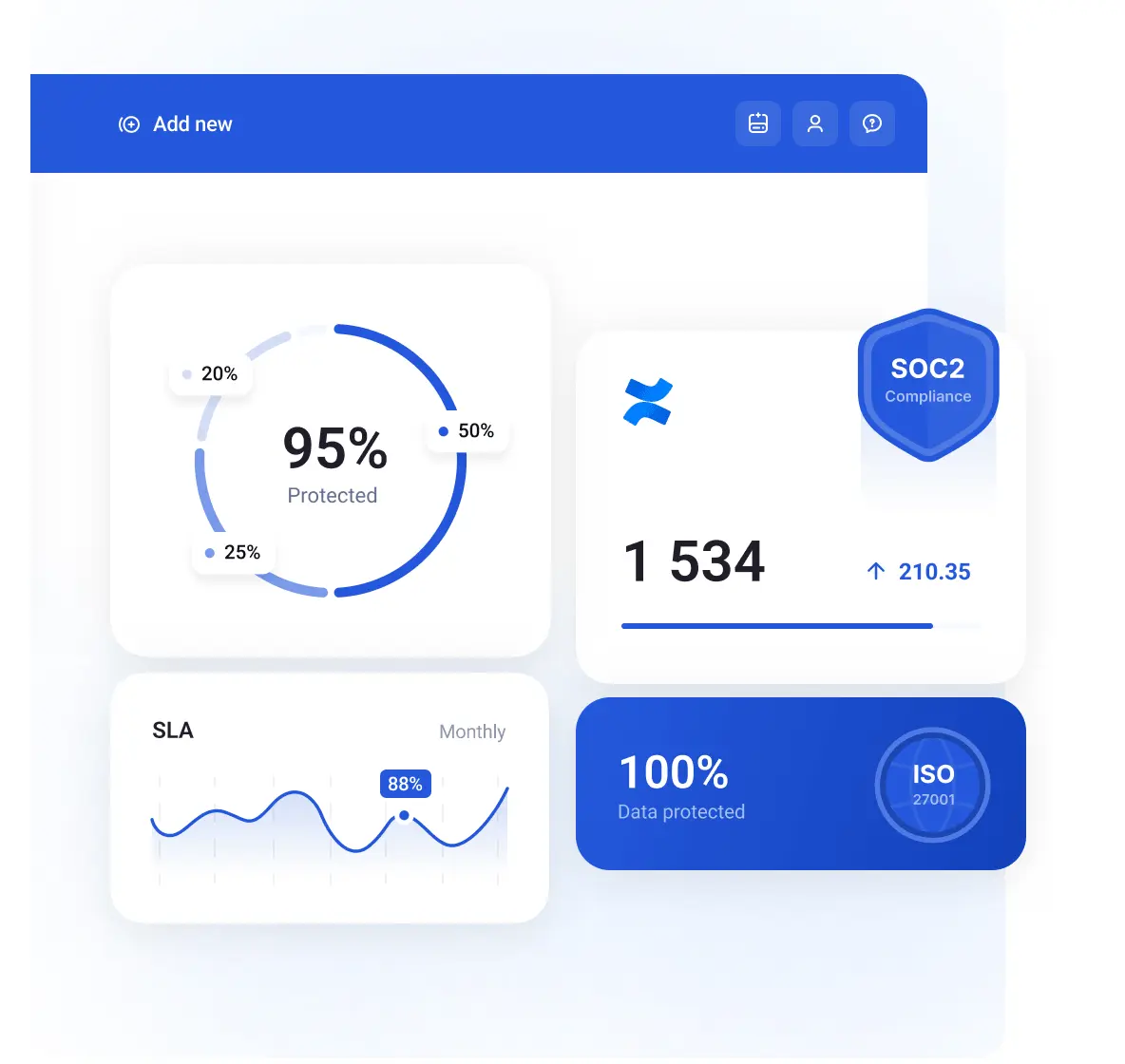
Get the most out of the security features proven by SOC 2 Type II & ISO 27001 audits. Meet compliance requirements thanks to data residency of choice, SaaS or on-prem deployment, zero-knowledge encryption, unlimited retention, instant remediation, ransomware protection, and more.

Confluence data migration and sandboxing

Confluence data migration and sandboxing

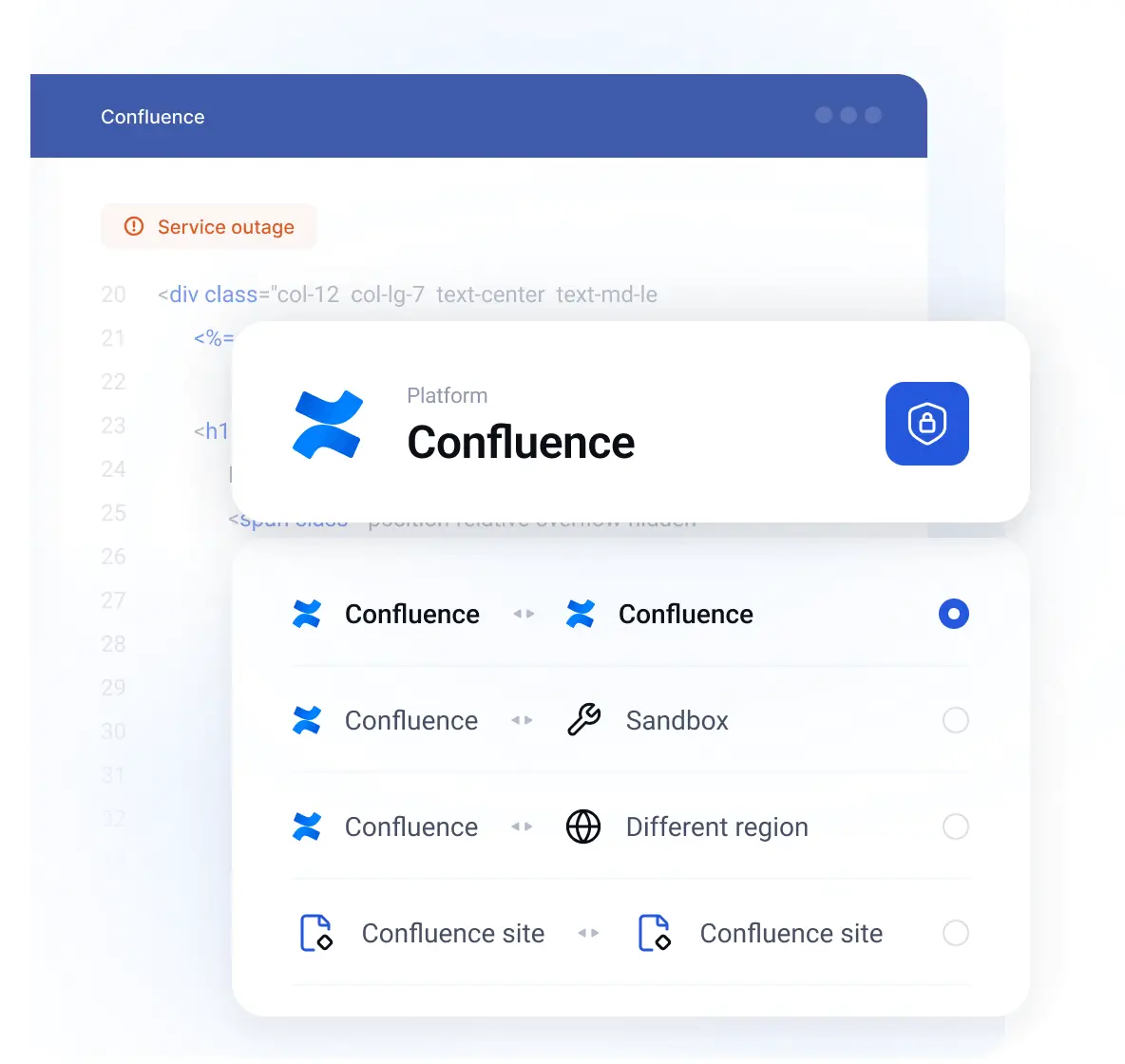
Migrate Confluence data with configurations between projects, or transfer from one Confluence account to another. (also split projects or consolidate multiple Confluence sites into one) Create accurate sandbox environments to test integrations, configurations, and other features, and recover to production for streamlined change management.

Free unlimited cloud or your storage

Custom Global Data Residency

By default, you can choose between data residency in the US, EU and Australia. Specific location needs? Let's customize!

Contact us

All-in-One Confluence data protection platform

All-in-One Confluence data protection platform

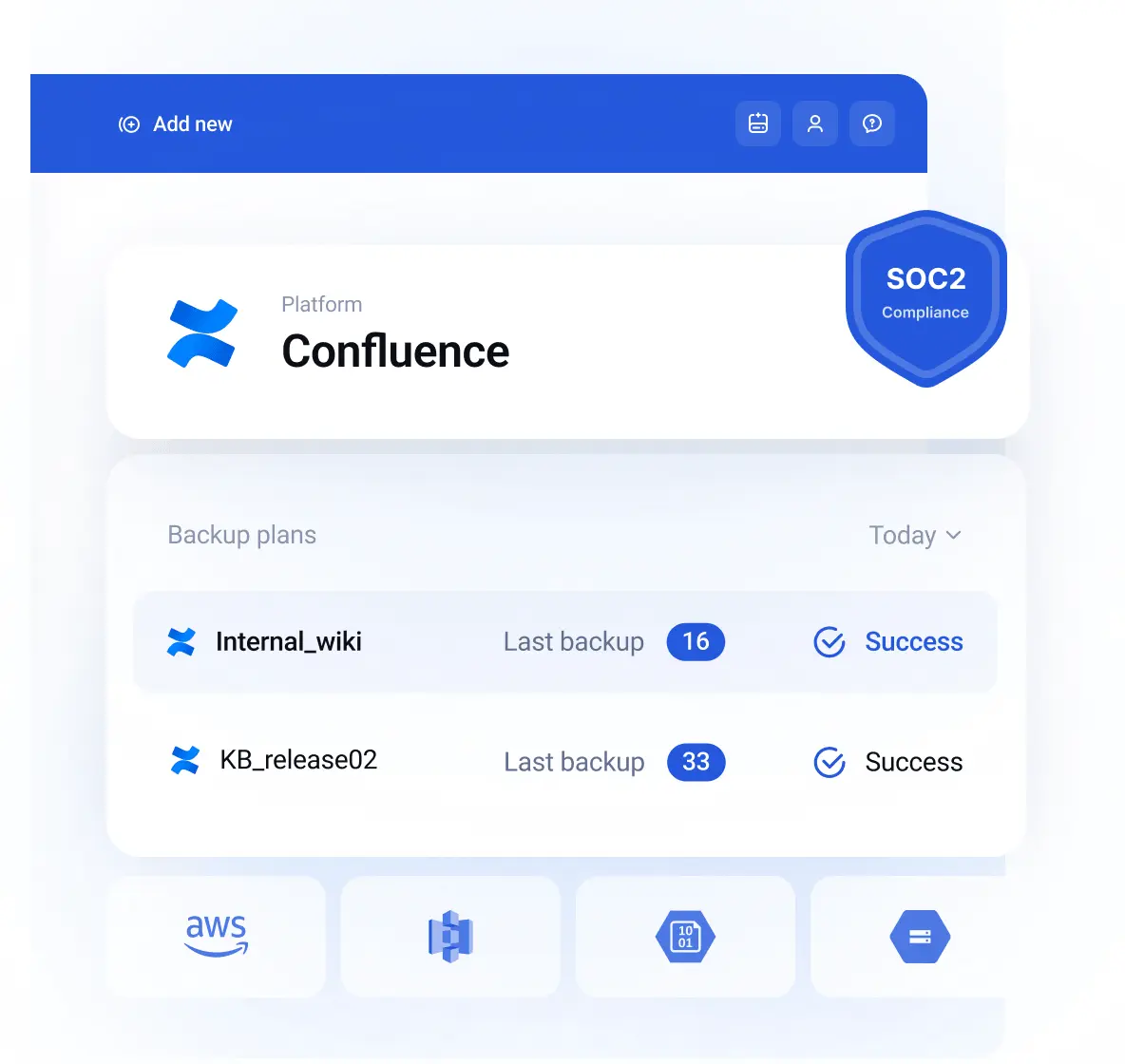
  • Scheduled and automated daily backups for Confluence

    Forget about manual backups with backup automation - set the backup frequency and type (full, differential & incremental backups) to protect your Confluence projects, pages, spaces, attachments, and more.

  • Connect any storage (cloud & on-prem)

    We always give you a choice – use the already-included unlimited cloud storage (US/EU/AU/Custom residency), your cloud storage (i.e. Azure, AWS S3, Google Storage & more), or keep your data at multiple locations and meet the 3-2-1 backup & replication needs.

  • Instant Remediation Center

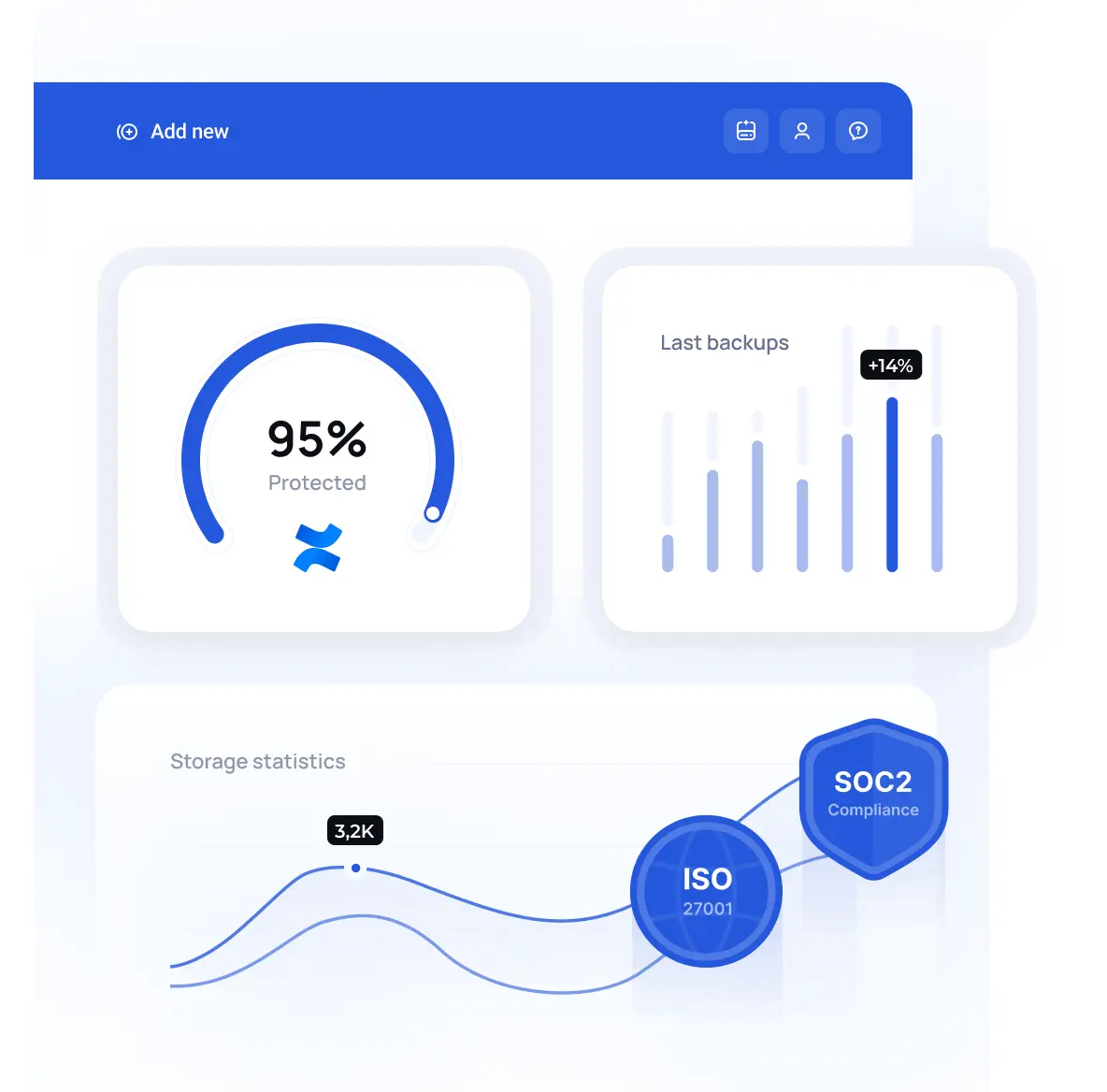
    Have full control over your backups with custom email/Slack notifications, audit-ready SLA & visual statistics. Get assurance to identify errors and respond to them within seconds.

Business continuity ensured by restore options

Business continuity ensured by restore options

  • Confluence Restore for the worst-case scenario

    Recover your content and documentation data immediately from any disruptions. Ensure near-zero RTO and business continuity with GitProtect backup and restore for Confluence Cloud.

  • Accidental deletion – instant rollback

    Ensure accidental deletion doesn’t disrupt collaboration. Set granular backups for the most critical Confluence data and use point-in-time restore when needed.

  • Confluence data migration & mobility

    Migrate data between projects and different Confluence accounts in a few clicks.

Security both CTO & CISO trust

Security both CTO & CISO trust

  • Encryption and security designed for compliance

    Ensure Confluence data protection with top-notch security features, including data residency of choice, IdPs, SSO, role-based access control, data encryption with own keys & more.

  • SOC 2 Type II & ISO 27001 and more

    Adhering to compliance requirements includes backup and restore mechanism for your critical data. We understand it well, as we’re SOC 2 Type II, ISO 27001, and GDPR compliant ourselves.

  • Unlimited retention for compliance

    Set data retention as unlimited and keep your data for as long as you need, going beyond the Atlassian Cloud Security Shared Responsibility model, legal, compliance, and organizational needs.

5-stars rated support

I can set up a backup plan and have a high level of confidence that it is going to work. I worked with other backup products for different IT services and never felt [until now] comfortable that the backup plan was going to work as expected.

Learn more

When we need to restore a repository, GitProtect brings speed, convenience and security to this process.

Learn more

The fact that the platform supports Jira, Confluence, and GitLab means that we have one single platform for our most mission-critical assets.

Learn more

With GitProtect.io we were able to bring all our Git repositories into backup compliance with the use of a single tool. Bonus points for Jira, we were only looking to backup Git, but we got Jira along with it!

Learn more

I like very much the possibility to back up from one environment [Bitbucket] and restore the repo to another environment [Bitbucket, GitHub, GitLab].

Learn more
Previous Next
reward

G2 High Performer

badges
atlassian
capterra
g2
rating

With GitProtect, I now have the peace of mind knowing that my repositories are safe and secure, allowing me to focus on what matters most - building great software.

rating

The fact that it automatically takes backup of crucial data is amazing. It is also compliant with SOC2 and ISO27K, making it easier for us to comply with local laws. And the fact that I can have a customized backup window is great.

rating

The thing I liked most about GitProtect is its seamless and automated backup solutions, providing comprehensive data protection for various DevOps tools with unlimited storage capacity.

rating

With GitProtect, setting up automated backups is a breeze no more sweating over manual processes. Plus, it's got your back when it comes to compliance, meeting standards for backups.

rating

The backup feature is amazing I never have to worry about when it's going to back up because of the scheduling feature. The encryption feature is also exactly what my company needed.

rating

GitProtect provides seamless integration with other version control systems like gitlab, github by simplifying the process of securing code repositories. Its alert system provides proactive protection against security threats.

Previous Next
rating

So we use it on day to day basis to take backups of our GitHub and GitLab. Their team is very professional. We actually had person who setup an online meeting with us and helped us setup everything.

rating

GitProtect makes super easy to backup our GitLab repositories, meeting all the compliance requirements that you can imagine. It ensures that the data is encrypted in transit and at rest, so all the source code is secure.

rating

Backup solution that is most helpful for DevOps engineers and App developers where they are able to backup their Project files from multiple platforms such as GitHub, Bitbucket etc.

rating

I am overwhelmed by the number of features available using GitProtect.

Previous Next

Enterprise-scale features

Focus on productivity - we've got your back(up)

All-in-ONE DevOps backup process

Protect ALL your DevOps stack data within ONE backup solution and management console for better security and control.

Role-based management

Make the most of SSO & IdP/SAML authorization, central management, and role-based access for better control and governance.

Ransomware protection

Be sure that your data protection is ransomware-proof with immutable storage, air-gapped data backups, replication, non-executable data in copy & other security features.

Advanced monitoring 24/7

Improve your governance with custom email/Slack notifications, SLA reports, webhooks, audit logs & other monitoring features.

Unbreakable AES encryption

Be sure in your backup data protection with zero-knowledge, in-flight, and at-rest AES encryption with the level of choice & your own encryption key.

SaaS or on-premise deployment

Use GitProtect backup and restore in SaaS or on-prem, regardless of the storage option or type of Confluence instance you choose.

Previous Next

Still think your data is already backed-up?

SaaS providers operate in the Shared Responsibility Model. As such, they are responsible for the entire cloud infrastructure but limit the responsibility for data protection at the account level.

Jira Atlassian Customer Agreement

(...) neither party will have any liability arising out of or related to this Agreement for any loss of use, lost data, lost profits, interruption of business or any indirect, special, incidental, reliance or consequential damages of any kind, even if informed of their possibility in advance.

Make sure yourself

FAQs

Still have a question? Feel free to contact us

Read more
How can GitProtect.io help protect my Confluence Cloud data from data loss?

Confluence backup by GitProtect.io is a comprehensive backup and recovery solution that addresses any possible event of a failure, including human error, ransomware attack, etc. With the possibility to automate your backup performance at any frequency, fulfill the 3-2-1 backup rule, ensure unlimited retention capabilities, data encryption in-flight and at-rest with your own encryption key, ransomware protection, among other features aimed at eliminating data loss.

Depending on the case, with the backup and Disaster Recovery solution, you can restore your data from any point in time, with granular precision. You can simply search Confluence backup data to specify data that needs to be restored. Easily recover any items to the same account, or migrate Confluence data to a new account – everything to prepare for any possible event of failure.

How often can I schedule data backups for my Confluence instance?

GitProtect.io doesn't limit you to the number of copies. Schedule your backups at any frequency you need to meet your RTO, RPO, or other organization or compliance requirements. Whether you require automated hourly, daily, weekly, or on-demand backups, GitProtect.io offers flexible scheduling options to ensure your data is protected at all times.

What is the process for restoring Confluence data using GitProtect.io?

Restoring your Confluence data with GitProtect.io can be done with a few clicks. You just need to follow the given steps to initiate the restore process and ensure minimal downtime and quick recovery of your critical data:

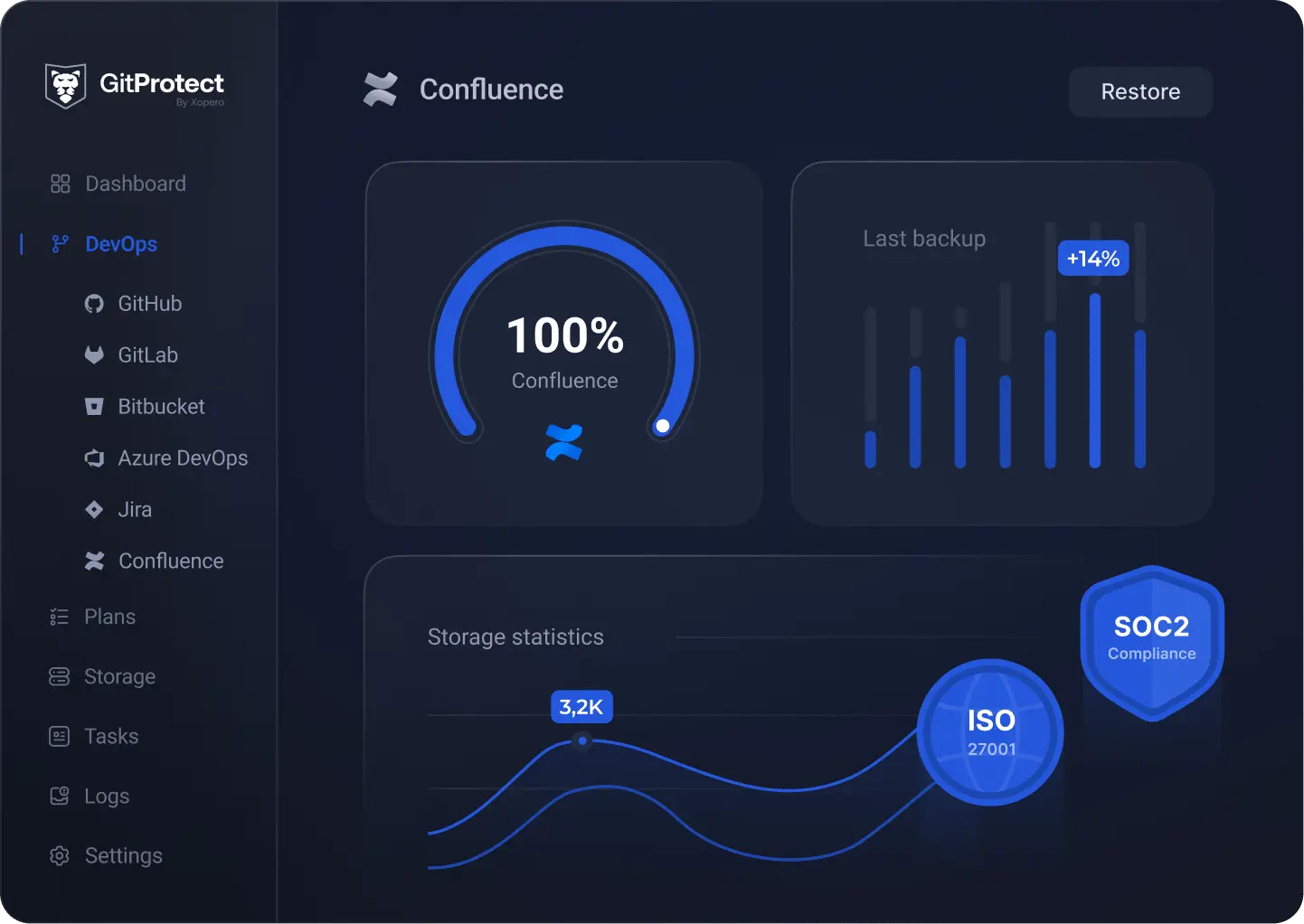
  1. Log in to your GitProtect.io account to access the web-central management console. Then, on the left bar of the user interface, go to "DevOps.

  2. From there, choose "Confluence" and click restore on the appeared dashboard.
  3. You will see a newly opened sidebar to restore your backup from any point in time. Or specify which Confluence data you want to restore to recover it granularly from any point in time, e.g., in case of an accidentally deleted space.
  4. After that, you will need to choose the restore destination – either the same or a new Confluence account. That's it, just a few clicks and your backup file is recovered!
Is my data secure during transit and at rest with GitProtect.io?

Yes, GitProtect.io backup and restore software ensures the highest level of security for your data both in-flight and at rest. All backups are encrypted with the most secure AES encryption keys. Moreover, you can enhance the security of your Confluence backups by enabling your custom private key, which helps you protect your sensitive information from unauthorized access and ensure compliance with data protection regulations.